To check which users are logged in and using a CIP license, you can navigate to http://[Base CIP URL]/Account/onlineusers directly or enable the link to show on the login page. Contact one of the users in the list to free a CIP license.
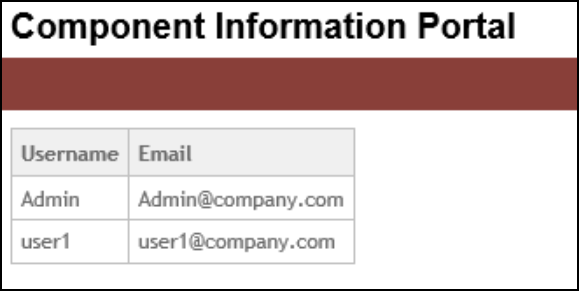
To enable the online users link to show on the login page
1.Select the Admin > Configuration menu, then click the Other tab.
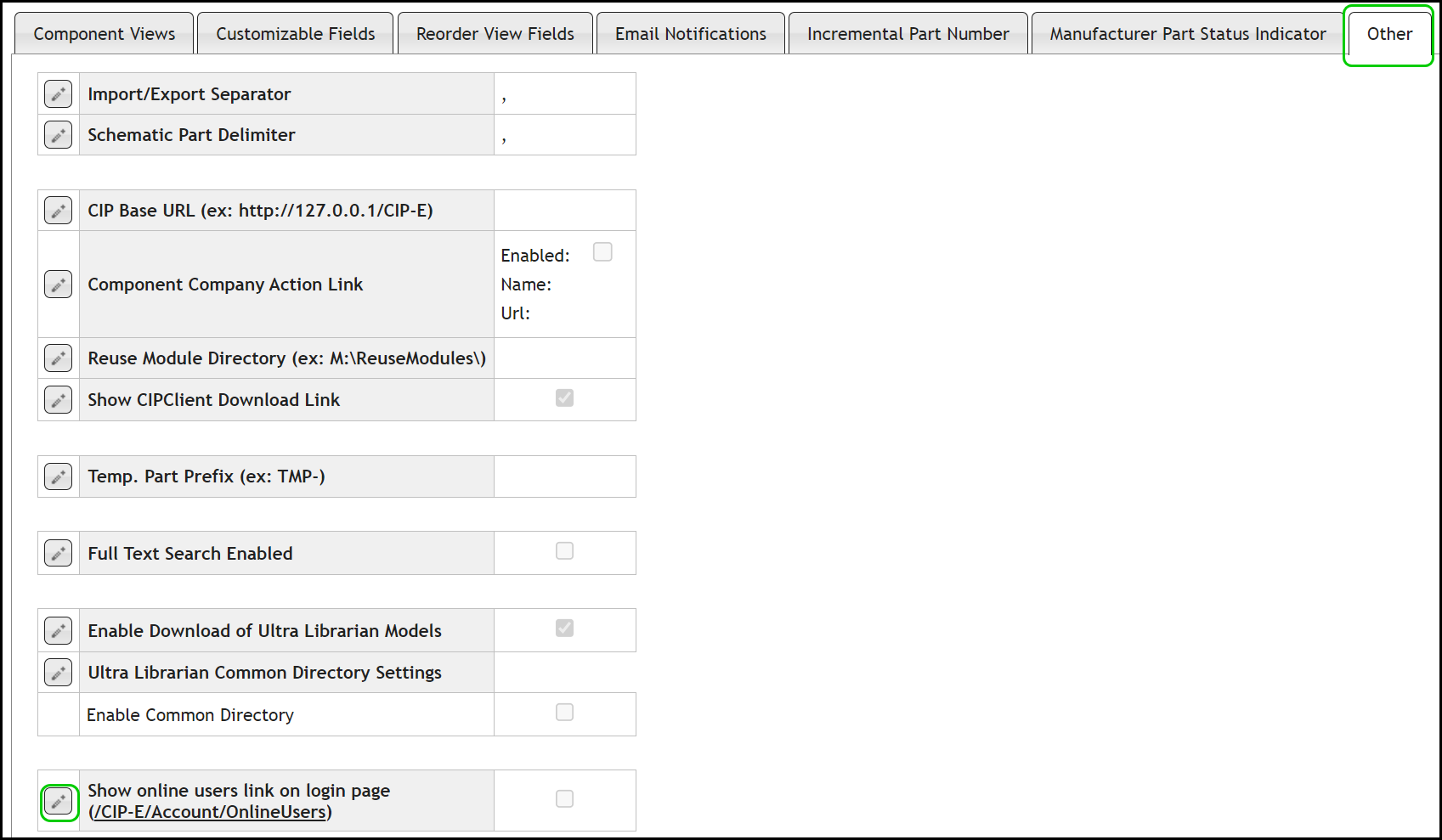
2.Select the Edit button  for Show online users link on login page.
3.By default, the link is not shown. Select the checkbox to change the setting to show the link and click the Save button  , or click Cancel
  to discard changes.

4.Log off CIP to see the link on the login page.
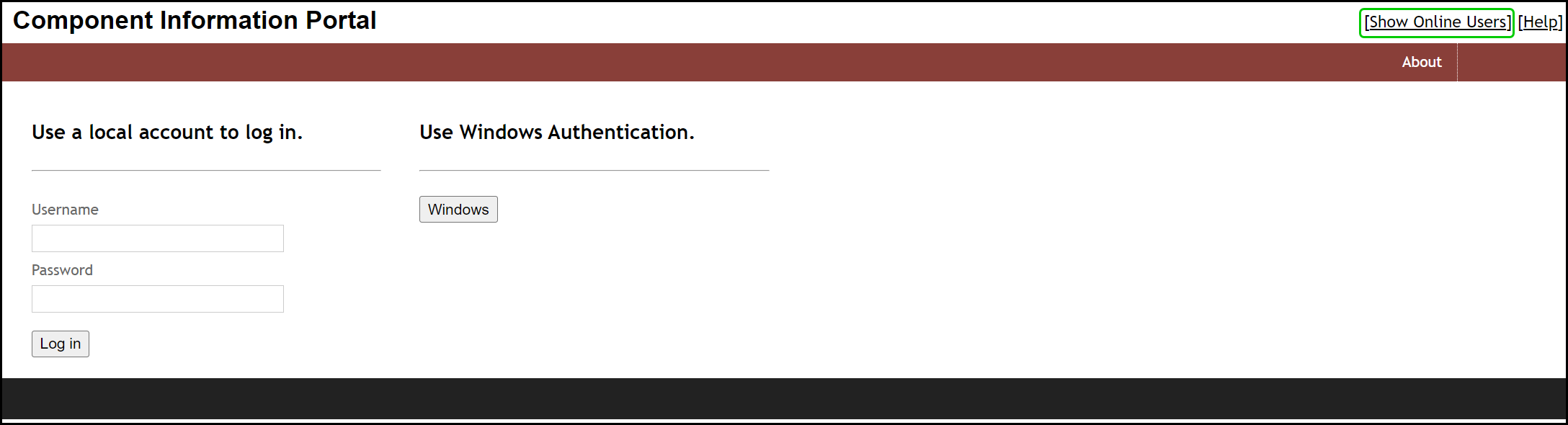
1.Check for online users.
2.Have an online user open CIP web page and log in.
3.Then have the user click the log off link in the upper right hand corner of CIP web page.
