To configure the Library Builder executable
1.With the CIP > Settings... menu open, enter the following:
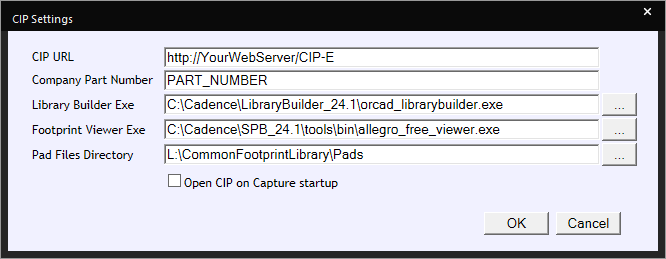
CIP > Settings
a.Enter the path of your Library Builder executable or select the ellipsis button to navigate to your Library Builder executable. This can also be done when Installing CIP Client.
b.If you are creating footprints using Library Builder, enter the Pad Files Directory.
4.Click OK to save the settings.
5.Open CIP using CIP > Open CIP from the top menu.
| The Library Builder executable will be open when you select the Library Builder button, as shown in the following figure. |
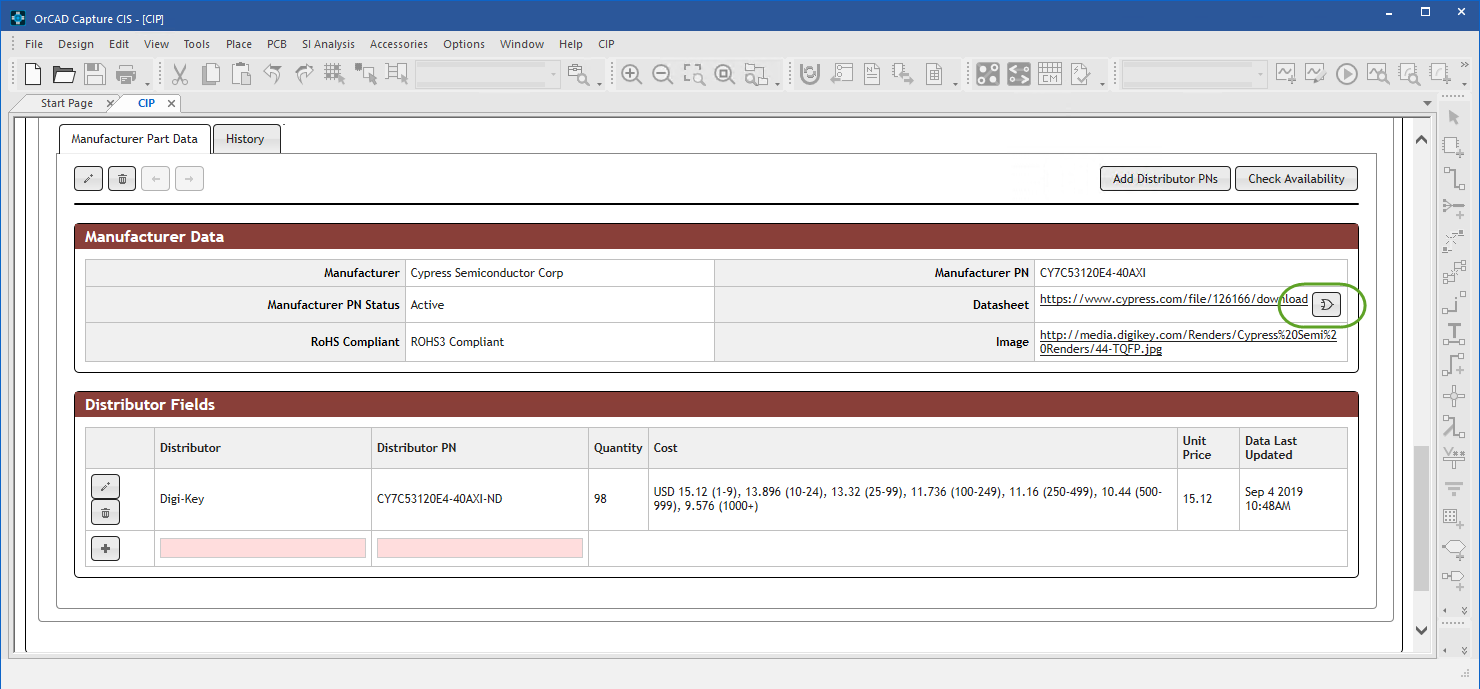
Library Builder Button Shown Inside CIP