Privileged users can define the separators used for importing and exporting CSV files. CIP uses the comma (,) symbol as its default delimiter/separator for handling BOMs and other data lists. However, there are some occasions when you may prefer to use a semicolon (;) symbol instead.
Note: Users who are granted permission to configure customizable fields are also granted permission to change the Import/Export Separators.
To change the default Import/Export Separator
1.Select the Admin > Configuration menu, then click the Other tab.
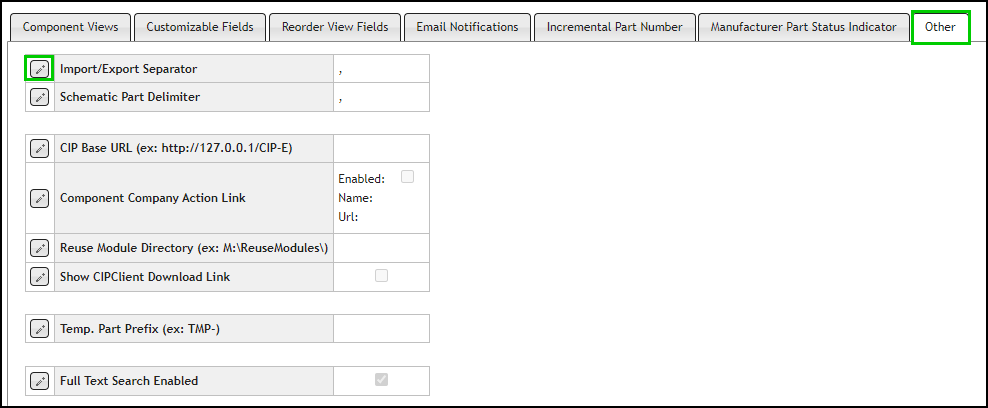
Edit Import and Export Separator
2.Select the Edit button  that is located next to the Import/Export Separator option.
3.Select the (;) semicolon from the drop list and click the Save button  , or click Cancel
  to discard changes.

Configuring Import And Export Separator