The BOM Export feature allows you to upload and export a CIS Bill of Materials (BOM) through use of the BOMs > BOM Export > Upload BOM radio option. The BOM Export feature also allows you to select and export an existing CIP BOM through use of the BOMs > BOM Export > Select BOM radio button. You can select additional fields and export the parts list to a comma separated .CSV file or to Excel.
There are several Output Options available based on the BOM Selection option to Upload BOM or Select BOM.
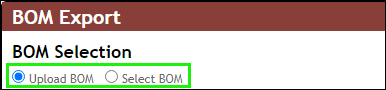
BOM Export - BOM Selection Options
After selecting the BOMs > Export menu, you can:
▪Select and Export Existing BOM
▪Upload and Export a Parts List
▪Generate a Template for BOM Export
Note: Export functionality is not available when using the System Capture plugin.