Several factors could cause the CIP web application to return transaction or execution errors and/or timeouts, including but not limited to the following:
•Bulk operations that affect a large number of parts and/or fields in CIP. - E.g. Bulk Import, Bulk Rename, BOM Import, etc.
•Updates to the Admin > Configuration that potentially affects many component views, parts, or fields. - E.g. Modify a field for all views when your CIP contains a large number of views.
•Searches or other actions that return large amounts of data rows and fields. - E.g. Search returns 100's of parts and is displaying many part fields, MFR/MPN, MPN fields, and Dist/DistPN.
•Underpowered CIP Web Server or CIP Database Server, whether it be CPU, RAM, I/O, network connection, etc.
•Unallocated resources for your CIP Database (MS SQL) Server.
•Your CIP has a very large number of views, fields, part numbers, etc., that may cause operations to take an extended period of time to complete.
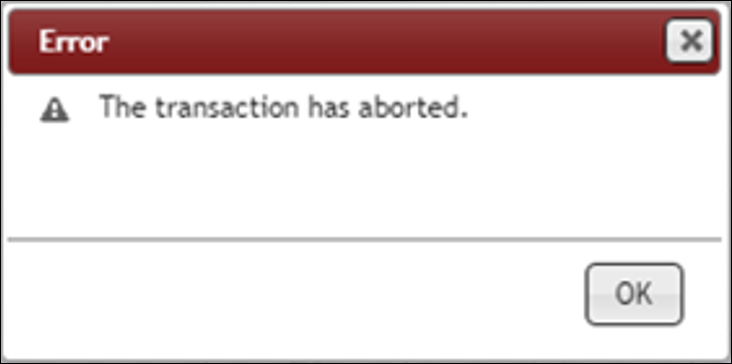
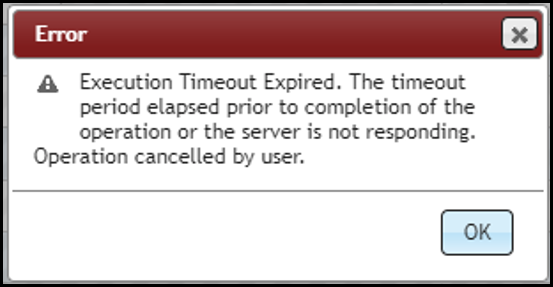
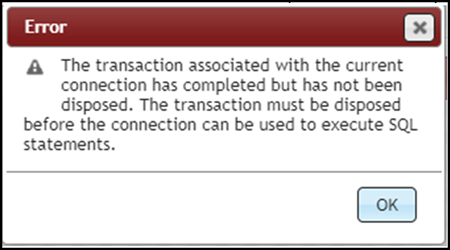
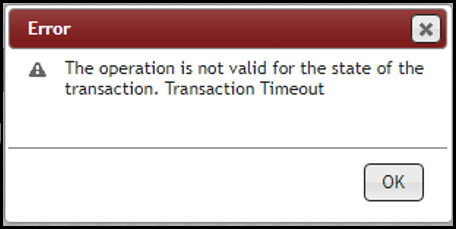
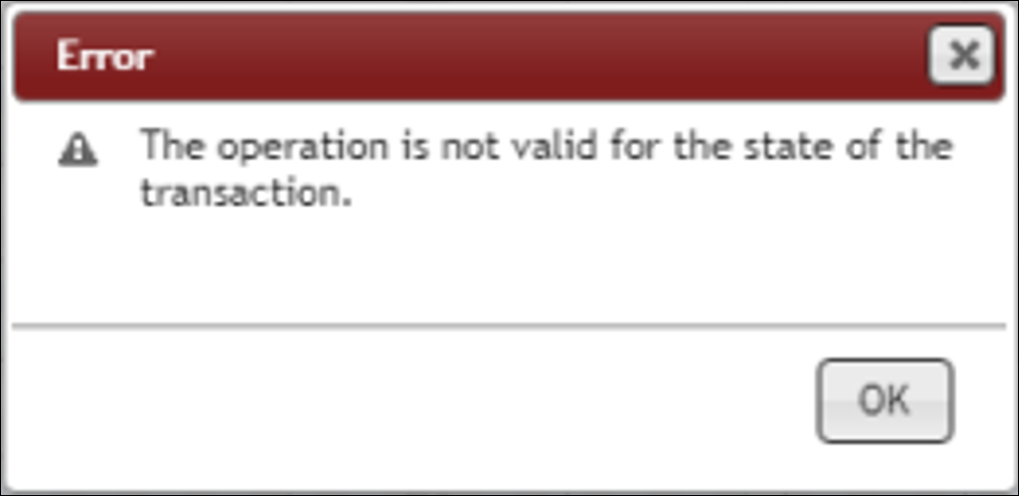
If you experience execution or transaction timeout errors such as the ones shown in the examples below, increasing your transaction timeout settings can help avoid such errors in the future. The default timeout is ~1 minute. Increasing the timeout will require a person (most likely IT personnel) who has permission to modify the CIP Web Application's web.config that is located on the web server.
Add/Update the following three lines into your web.config file, after the </appSettings> section. The lines in the example below will update the timeout to 10 minutes and give long-running transactions more time to complete. You may need to tweak this setting depending on your environment, as the time required to complete different operations may vary. Note: Not every CIP operation is affected by this setting so updating it may not fix the issue in every case.
<system.transactions>
<defaultSettings timeout="00:10:00"/>
</system.transactions>
•Execution Timeout Expired. The timeout period elapsed prior to completion of the operation or the server is not responding. Operation cancelled by user.
•The transaction associated with the current connection has completed but has not been disposed. The transaction must be disposed before the connection can be used to execute SQL statements.
•The operation is not valid for the state of the transaction (with or without Transaction Timeout)
•The transaction has aborted.