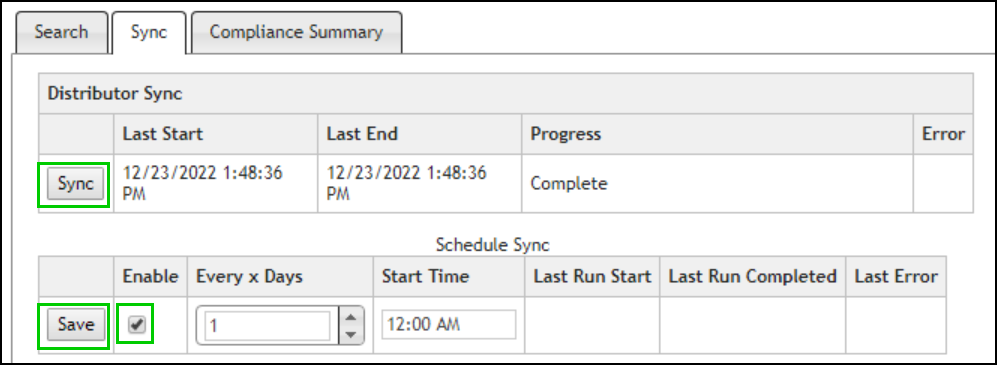
The Sync tab may be used to manually sync compliance data or enable a recurring scheduled sync. The Sync tab is available to users with the permission to Sync Compliance data. All valid part numbers will be synchronized.
To manually synchronize compliance data, click the Sync button.
To schedule automatic synchronization, select the Enable checkbox, then enter how often (in number of days) you want to synchronize compliance data in the Every x Days field, and select a Start Time for when you would like to start synchronization. Click Save to save your scheduled synchronization.
To disable automatic synchronization, uncheck Enable and click Save.